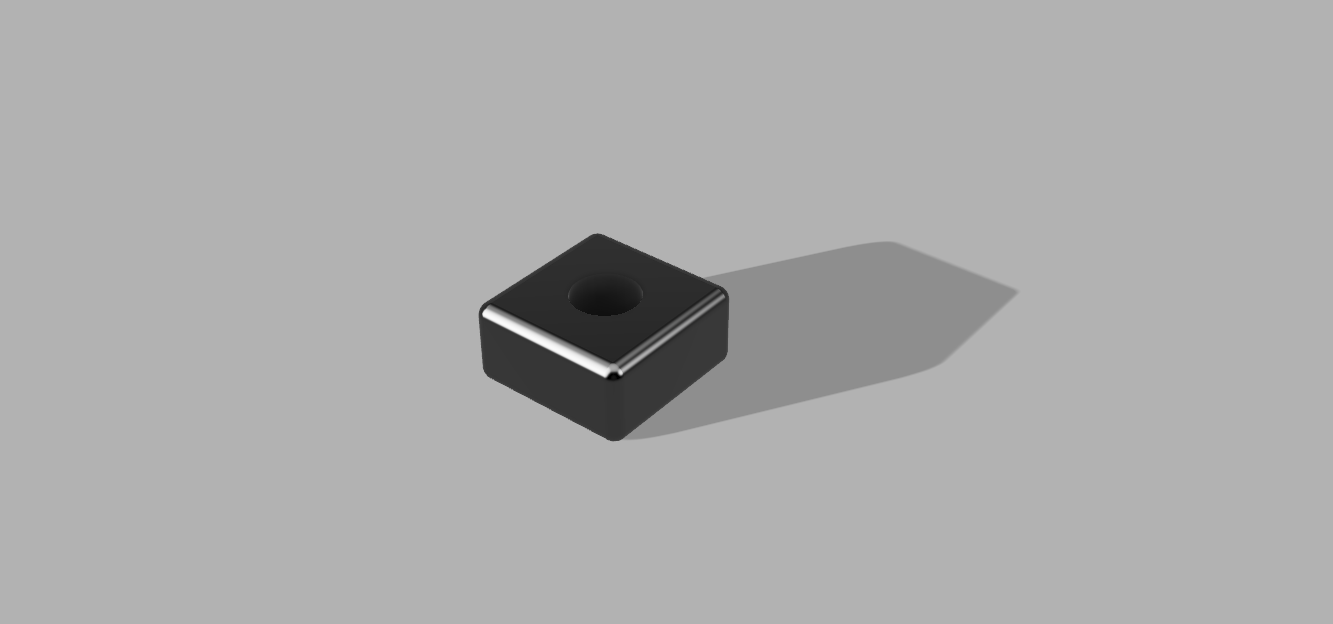
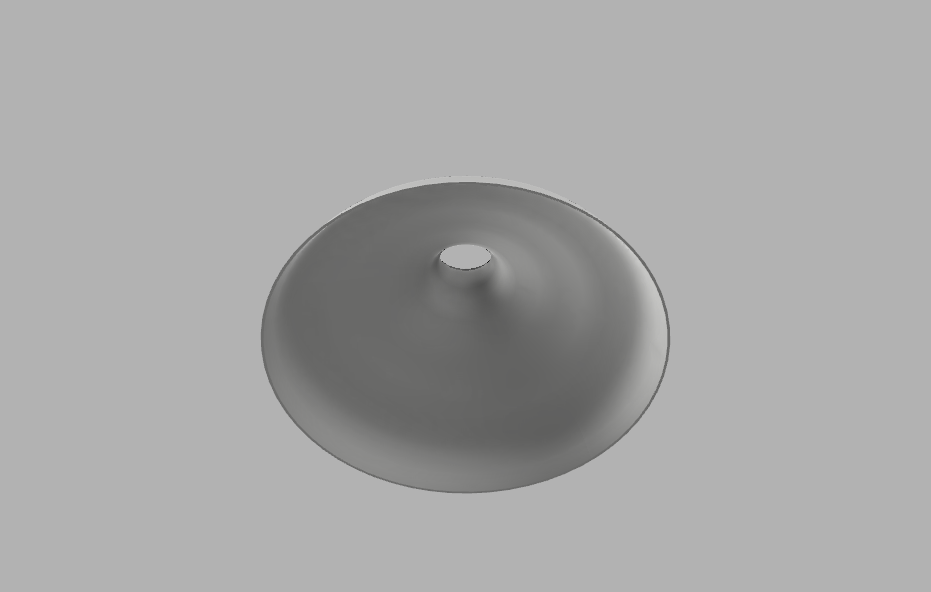
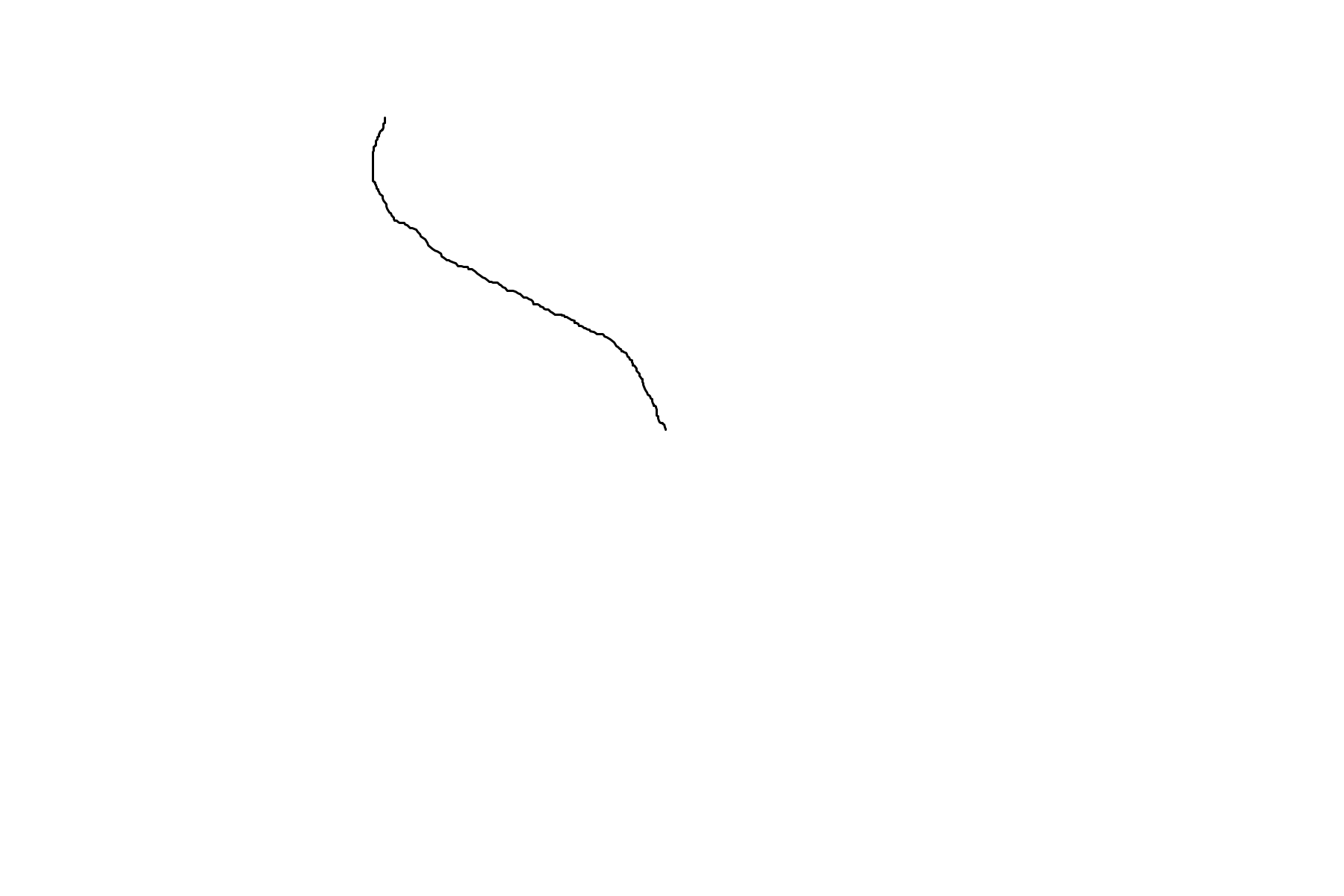
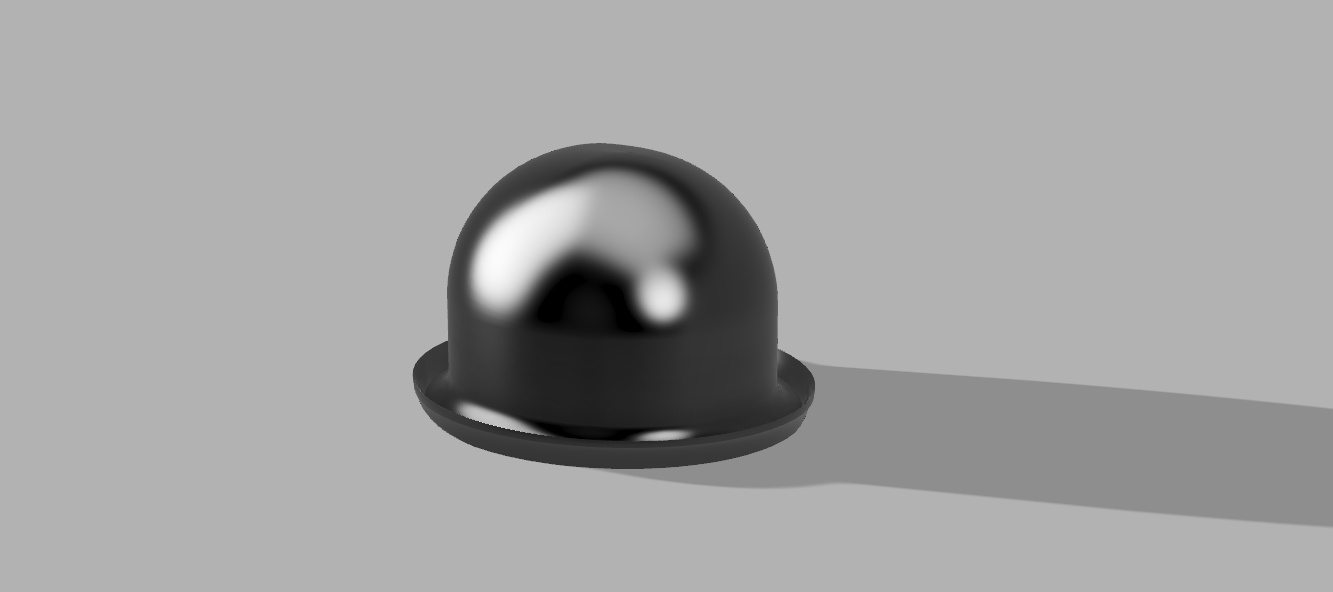
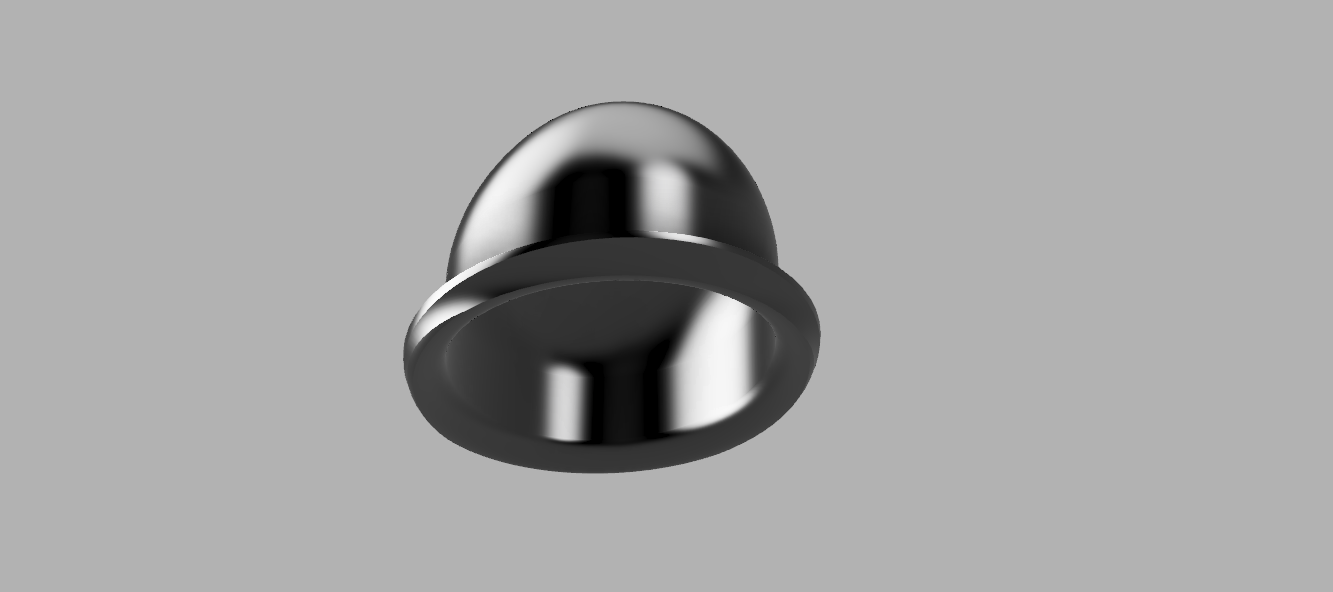
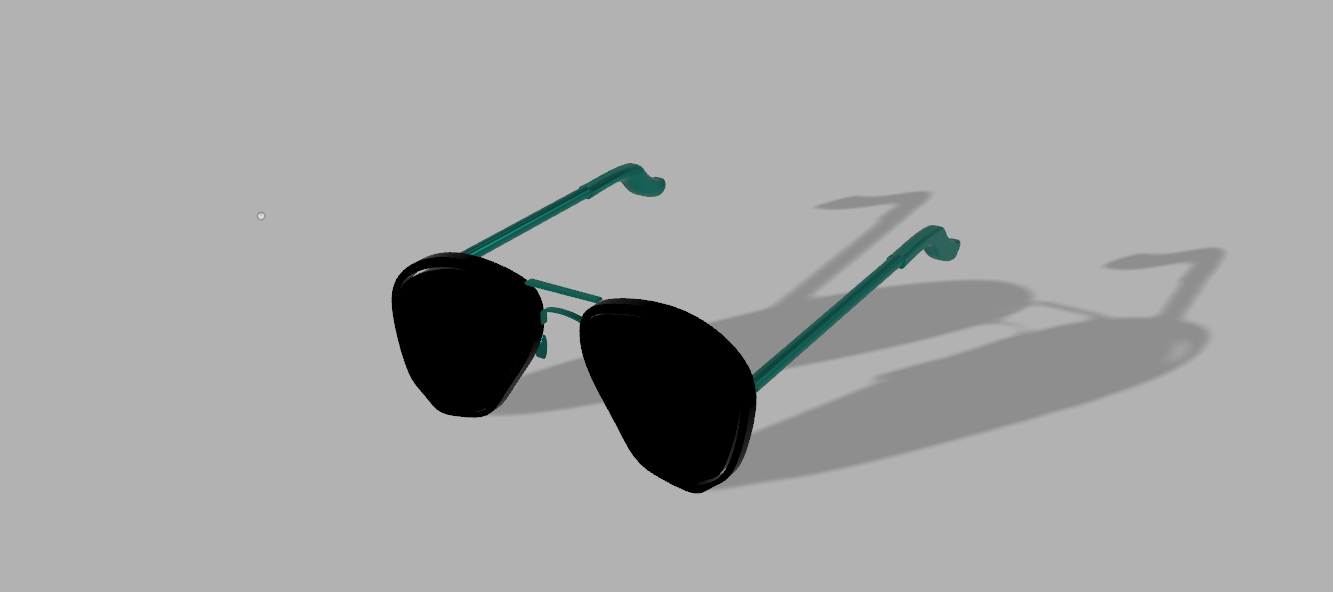
The tutorial shape, lamp shade, bowler hat, and sunglasses all have very different challenges. The tutorial shape was easy honestly and a good introductory shape. It was easy and introduced a lot of helpful techniques but did fall short of others, but the lamp shade made up for it by introducing the creating things from drawing are revolving. The bowler had was hard mainly because it is just an awkward shape to start with. The curves at the bottom and the fact that it starts as rising in a straight line and then curves inward made it even harder. The fillet tool was probably my most used tool, I think I used it in every individual piece at some point. By far the hardest shape was the glasses. The smaller parts around the nose and brim are very hard to get right. The fillet tool doesn’t work well when the size of the object is really small which made it even harder to create some fine details. I tries to use the boundary fill tool to fill in the glass in between the rim but for some reason I couldn’t get it to work. Also, after doing the tutorial object I could barely get the rendering tools to work. I think my computer just doesn’t have the GPU power to do it on a large object or with any amount of complex texture. It worked slightly and slowly on the lamp shade and I was able to change the colors on the objects but not the textures that it showed. Overall, I actually think that fusion 360 and freeCAD are both good for separate things. If I was going to make one singular object with only straight lines and no moving parts I would probably use freeCAD to make it but if you needed any curves or moving parts I would use fusion 360. I can see how fusion 360 is way more powerful and useful to a more experienced person but I could get by with freeCAD.
Fusion 360


Published
 Da Blog